Learn the Content
Familiarity with the content allows you to focus on presenting, rather than trying to remember the points to make. To minimize worry about forgetting elements of the webcast, include notes in the PowerPoint and have a printout for talking points.
Practice Makes Perfect
Practice your content delivery in the environment in which you intend to deliver it, such as in front of a computer. Presenting alone in front of a computer can be awkward at first, ask a colleague to sit in the room so you can present to a familiar face.
Understand the Tools
You should understand and utilize the webcast console options available, to maximize the effectiveness of the webcast technology. It’s important to know the basic functions of the software, e.g. how to advance slides and polling questions, manage Q&A or a live chat, before the webcast is scheduled to start. If you prefer to solely focus on presenting, a moderator can assist with additional tasks such as the above.
Speak Up
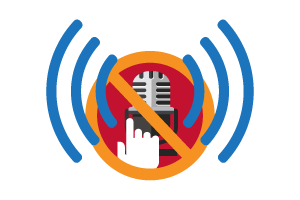
Check audio levels before the webcast, but also make sure to breathe at regular intervals to speak audibly and clearly. Maintaining a clear, even tone throughout the webcast will allow the audience to hear it clearly without adjusting their volume settings.
Look at Your Camera
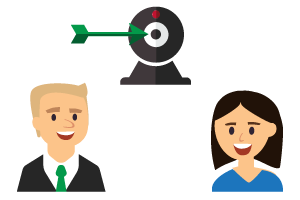
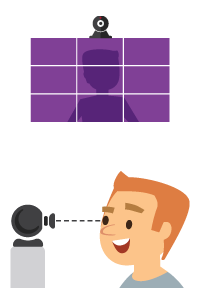
If presenting via webcam, remember, the webcam is your direct connection to your audience. Make eye contact with the camera so it appears to the audience that you are speaking directly to them.
More is More
Speaking unaccompanied can be highly engaging, but including additional speakers often provides a more conversational experience for the audience. Multiple speakers during a webcast can also make you feel more at ease.
Don’t Fear Mistakes
People make mistakes, even during webcasts. Flubs and mistakes occur but they won’t derail your webcast – unless you let them. If this occurs, move forward with your webcast as planned and remember, the audience is forgiving.
Be Prepared
During the webcast, have a glass of water nearby to sip and a printout of your slides and/or notes available should you need to refer to them.