Event Login Troubleshooting Guide
 Javascript Test Fails
Overview
The error occurs when JavaScript is disabled in the browser. Please check your settings to ensure that JavaScript is enabled.
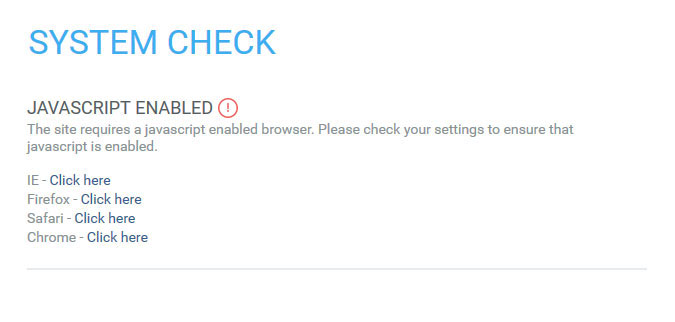
Possible Resolutions (click to choose your browser)



 Browser Test Fails
Overview
This error occurs when the user is using a browser / operating system combination other than those that are currently supported. To view the currently supported browser versions, click here.
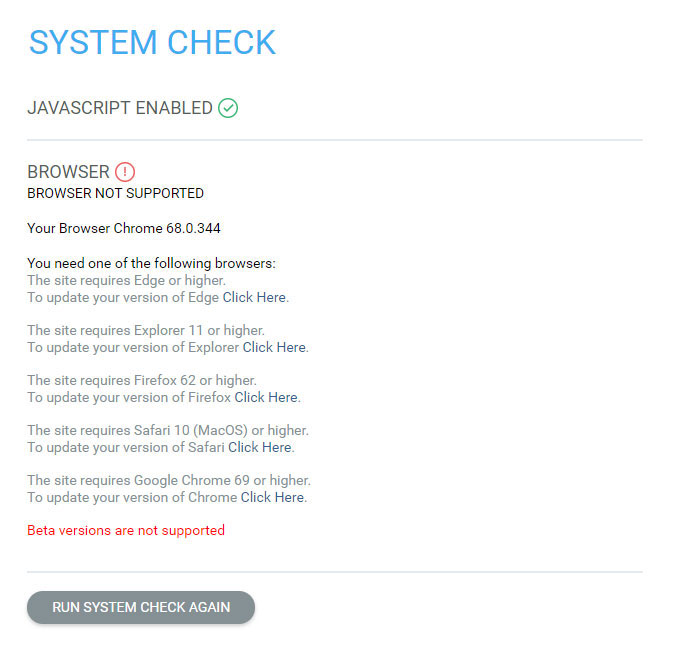
Possible Resolutions (click to choose your browser)
Pop-up Blocker Test Fails
Overview
This error occurs when a Pop-up blocker application prevents Pop-up windows from opening. This could also occur if a third-party software is blocking scripts, such as ZoneAlarm® (may also include Google pop-up, Yahoo, Firefox, etc.).
NOTE: If a Pop-up blocker is enabled in Chrome, it will not be detected on the system check. The user will be notified by the Chrome browser that a Pop-up was blocked. Chrome does not block the function of a Pop-up window, only its display to the user.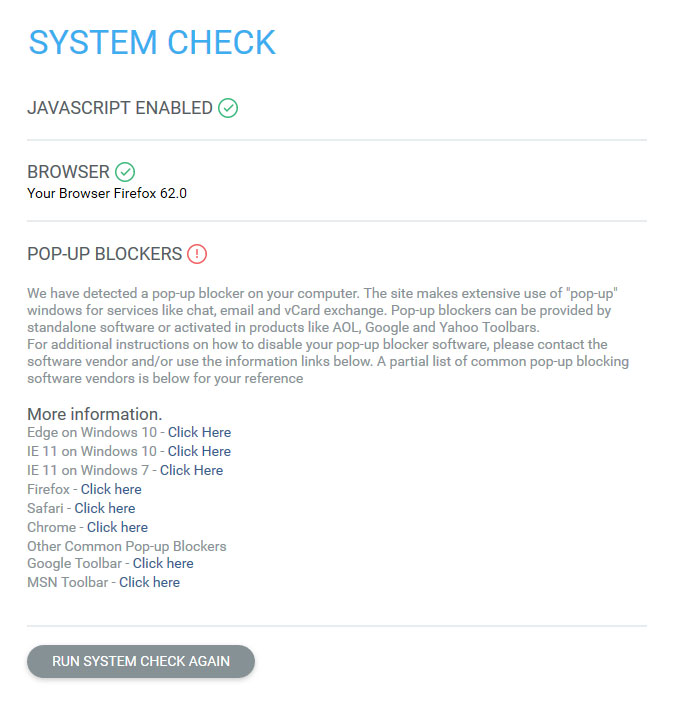
Possible Resolutions (click to choose your browser)