Testing Items
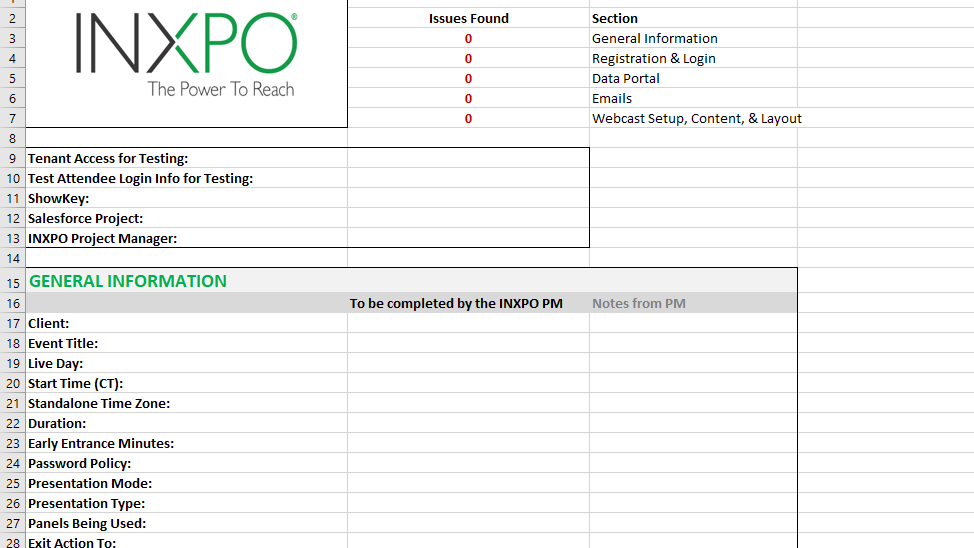
Testing is a vital component to every project. All standalone webcasts must be tested. This ensures all settings are correct and helps to avoid manual issues. Webcasts must be tested once before the registration/login pages are provided to the client, and again before the live day after all settings are finalized. Below are important items to consider during each testing phase and the testing form for the Project Manager to complete and provide to the team.
Registration & Login Testing
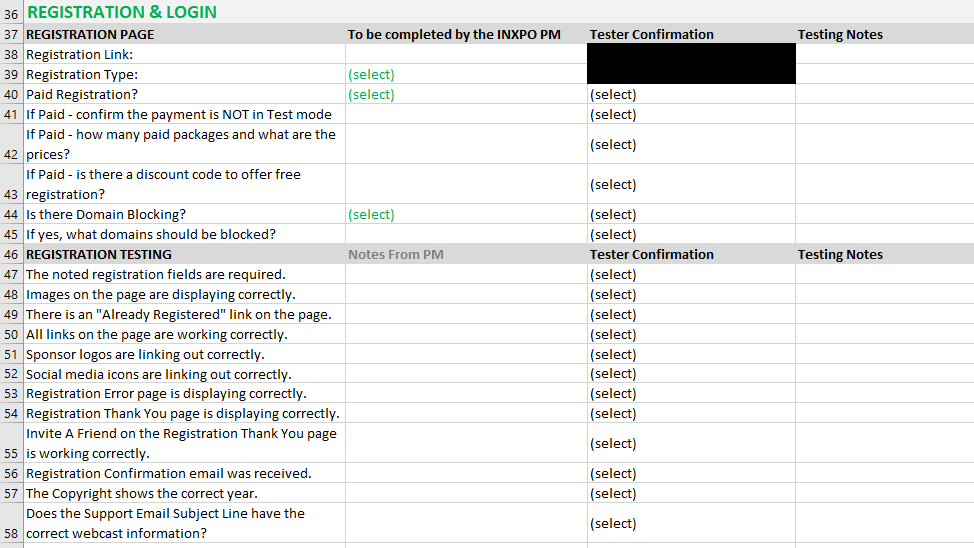
The registration and login pages need to be tested before they are provided to the client. This is to make sure everything is set up and that the flow is accurate.
Once links are sent to the client, they are out of our hands and can be published/posted anywhere so it's crucial to have everything set properly beforehand.
Each item in the testing form should be completed and checked, but below are a few important items that are important to check and can cause potential issues if not configured properly:
- Confirm that the information on the registration and login page match.
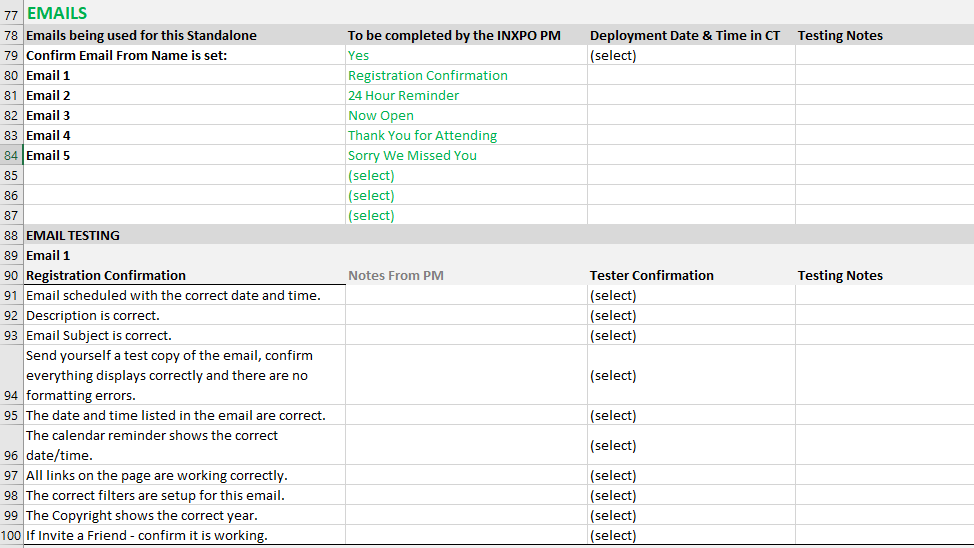
- Make sure the test registrant receives the confirmation email, that it displays properly, and that all links (Login/Calender Reminder/Email Abuse) are set up correctly.
- Confirm that the support link is correct and the email subject matches the date/client name to identify which webcast the user needs help with.
-
This link with parse variables can be used and updated for all webcasts:
mailto:webcastingsupport@inxpo.com?subject=$[WCStartDate]$ CLIENT NAME Login Support
-
This link with parse variables can be used and updated for all webcasts:
- In the data portal, confirm that the test registration successfully passed through and the required fields have been captured/display correctly.
Live Day Testing
Live day testing is our last review of all settings and uploaded content before the event begins. Attention to detail is extremely important as a mistake can make or break live day.
Webcast Setup
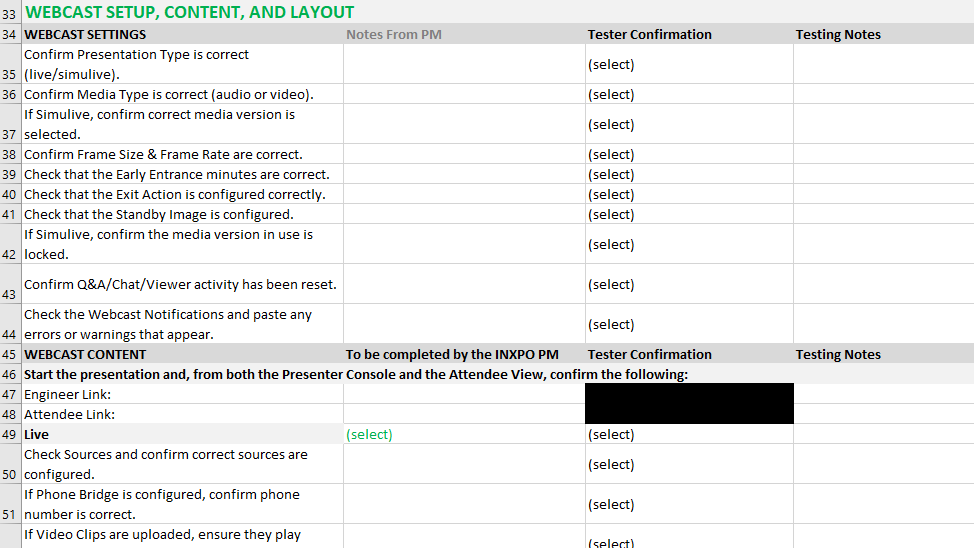
The settings for the webcast must be swept one last time. All items on the checklist must be reviewed. Some items to watch out for are:
- Confirm that the date and time are correct.
- Check if there is an exit action and if it's configured.
- If there outstanding reminder emails, check if they are scheduled correctly.
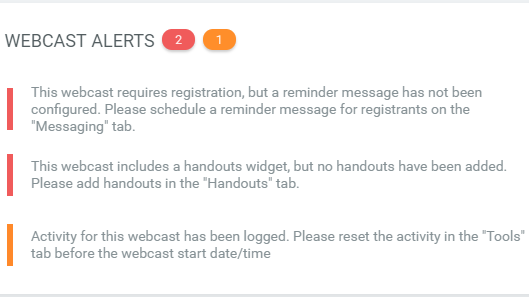
- Review the webcast alerts to see if there are any errors.
- Make sure any test activity is cleared before the live webcast.
Content Review
All content must be checked as well.
- Click through all slides and make sure they display properly.
- Play all pre-recorded sources/video slides and confirm there are no issues.
- Confirm that any available handouts are accessible and open correctly.
- If the webcast is simulive, verify the correct media version is selected and play it back entirely simulive.
This form MUST be used for every standalone webcast that is created and saved in it's corresponding folder on the Professional Services shared drive. The test form should be filled out once initial configuration is complete. Try to update it as changes are made so that once the time comes, it can be sent for final testing by the team.