Live Day Engineering Checklist
This is a complete list of a Webcast Engineer's responsibilities and steps to run all webcasts.
Before Pre-Call
- Arrive to the office at least 30 minutes before your first meeting.
- Log into the webcast and look over the content and settings.
-
- If you notice anything off or confusing, reach out to the project owner or your Team Lead sooner rather than later.
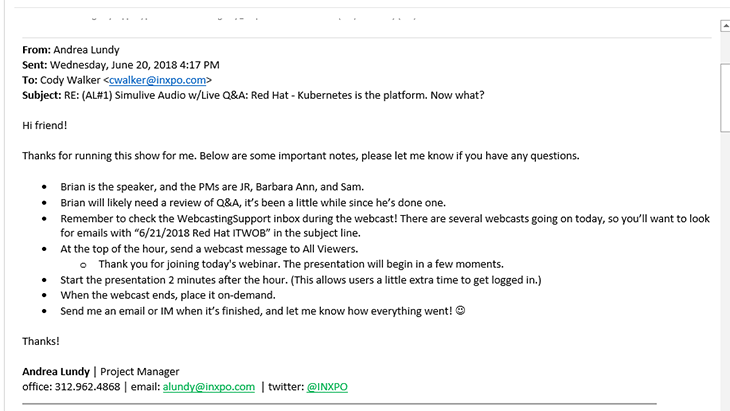
- Review any notes from the project owner, and confirm with them that you received the notes.
-
- If the project owner did not send you any notes, reach out to them prior to dialing into the pre-call.
During Pre-Call
- Open Engineer, Tech Support, and Attendee links.
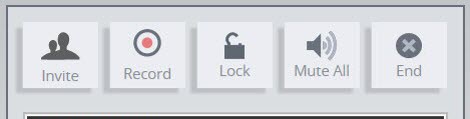
- Start recording the call in PGI (*22). Open Globalmeet tool.
- Make sure all the speakers/clients who will be joining have dialed in.
- Do audio/video checks on everyone who will be speaking (presenters, moderators, Q&A team, etc).
- Ask speakers what type of internet connection they have (WiFi/hardwired).
-
- Close down other programs, disconnect from VPNs.
- Review Go Live procedures
-
- Confirm who will be speaking first, so that person knows their cue.
- Engineer will give a countdown (5,4,3 out loud, count 2,1 silently to yourself) and the webcast will begin.
- Timer will start counting up.
- Speaker should give a verbal cue to end the webcast.
- Make sure everyone has their computer speakers muted to avoid background noise.
- Review backup plans
-
- Do the speakers have a backup copy of the slides?
- Speakers should give a verbal cue if they cannot advance slides, and someone else can advance. (Client preferably, but engineer can do it if not.)
- If video, explain that audio through the phone will be the backup option if video is lost for any reason.
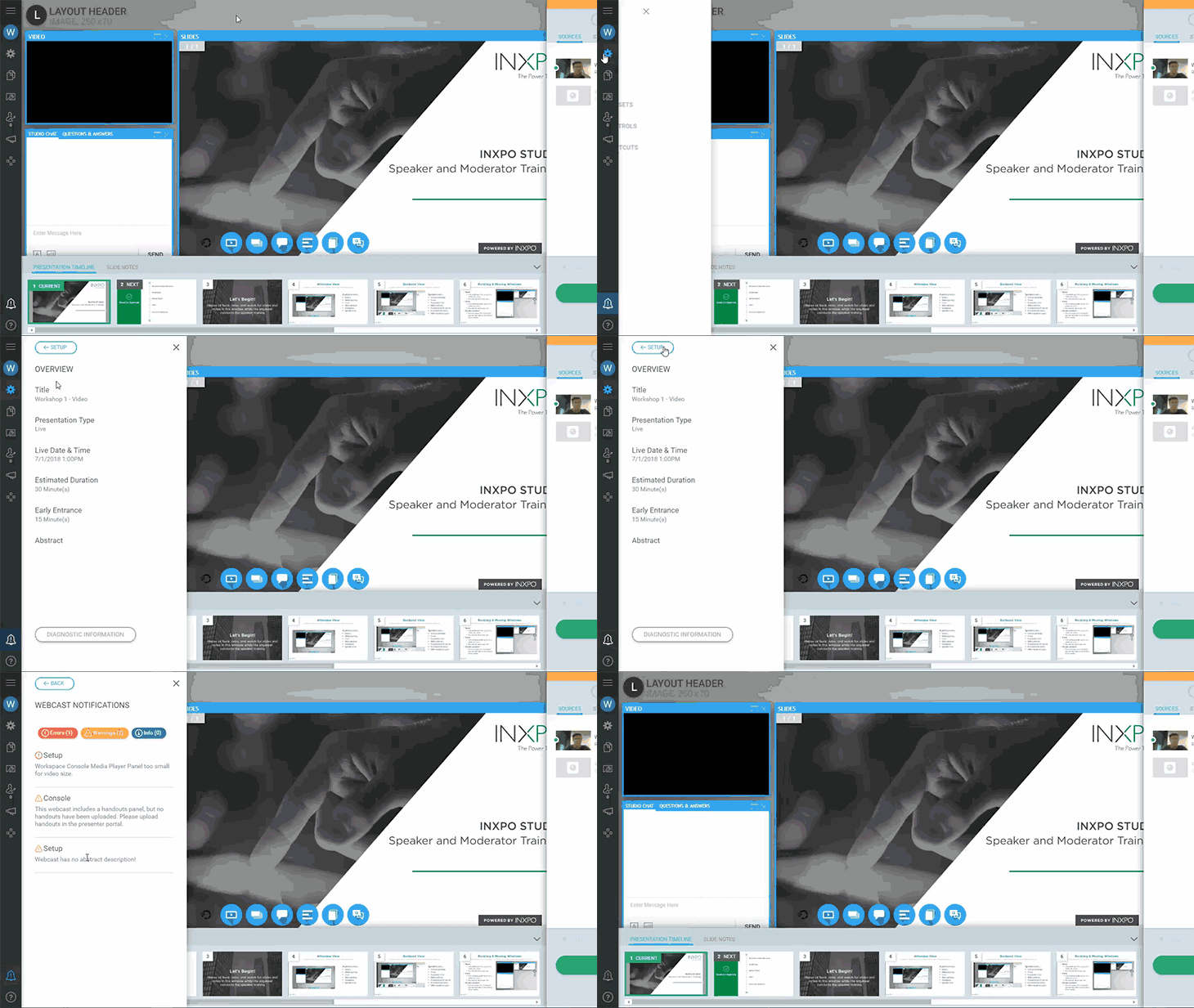
- Review platform, if necessary
-
- Advancing slides, Q&A, chat, presenter chat (clarify the difference)
- When early entrance begins, make sure attendees are logging in, and log in as an attendee yourself if you can.
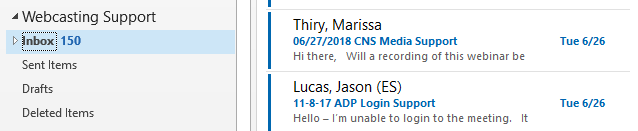
- Check the WebcastingSupport inbox and reply to any messages about this webcast.
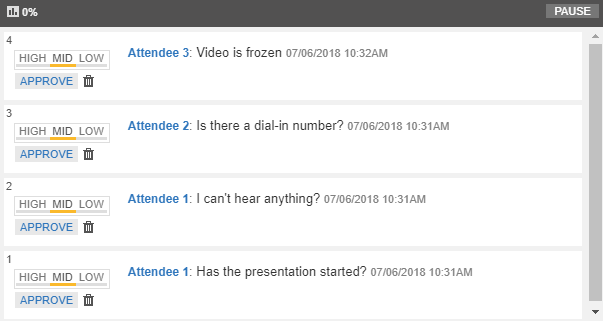
- Respond to any Tech Support messages in Chat/Q&A promptly.
After the Webcast Starts
- Watch the first minute or so of the webcast on both back-end and attendee views to ensure its playing.
- Once the webcast is running, keep an eye on it.
-
- Avoid multitasking if possible.
- Respond to any Tech Support messages in Chat/Q&A promptly.
- Check the WebcastingSupport inbox periodically and reply to any messages about this webcast.
- Keep checking both back-end and attendee views to make sure things are still moving and in sync.
- Keep an eye on the Presenter Chat, in case the client or speaker reaches out to you.
- Keep an eye on the Globalmeet tool, (especially for telephony webcasts) so you'll know if a speaker's line drops or where any background noise is coming from.
- If you notice any issues, or potential issues, reach out for help ASAP.
-
- Better to ask for help and not need it than to disregard an issue and have it blow up.